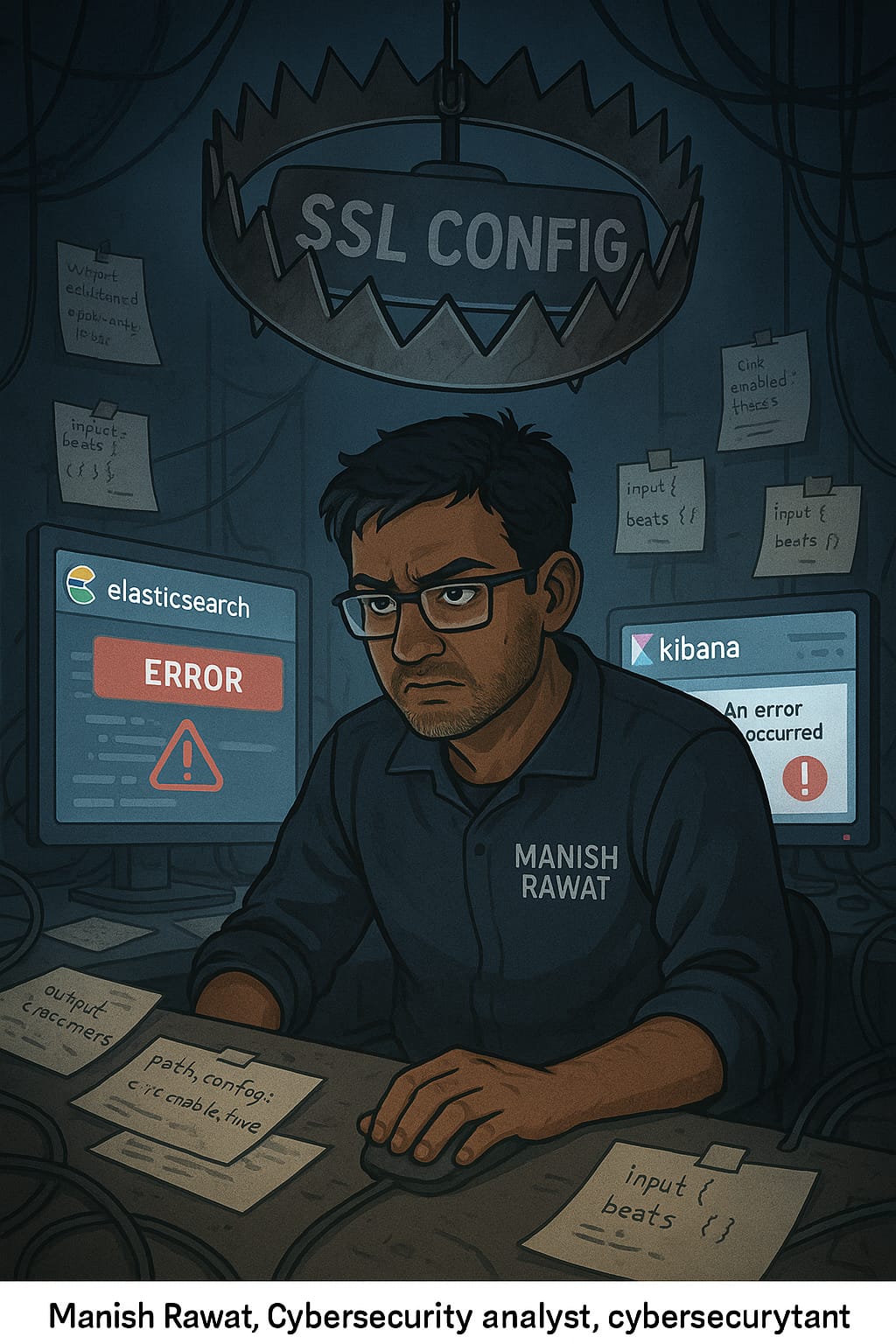
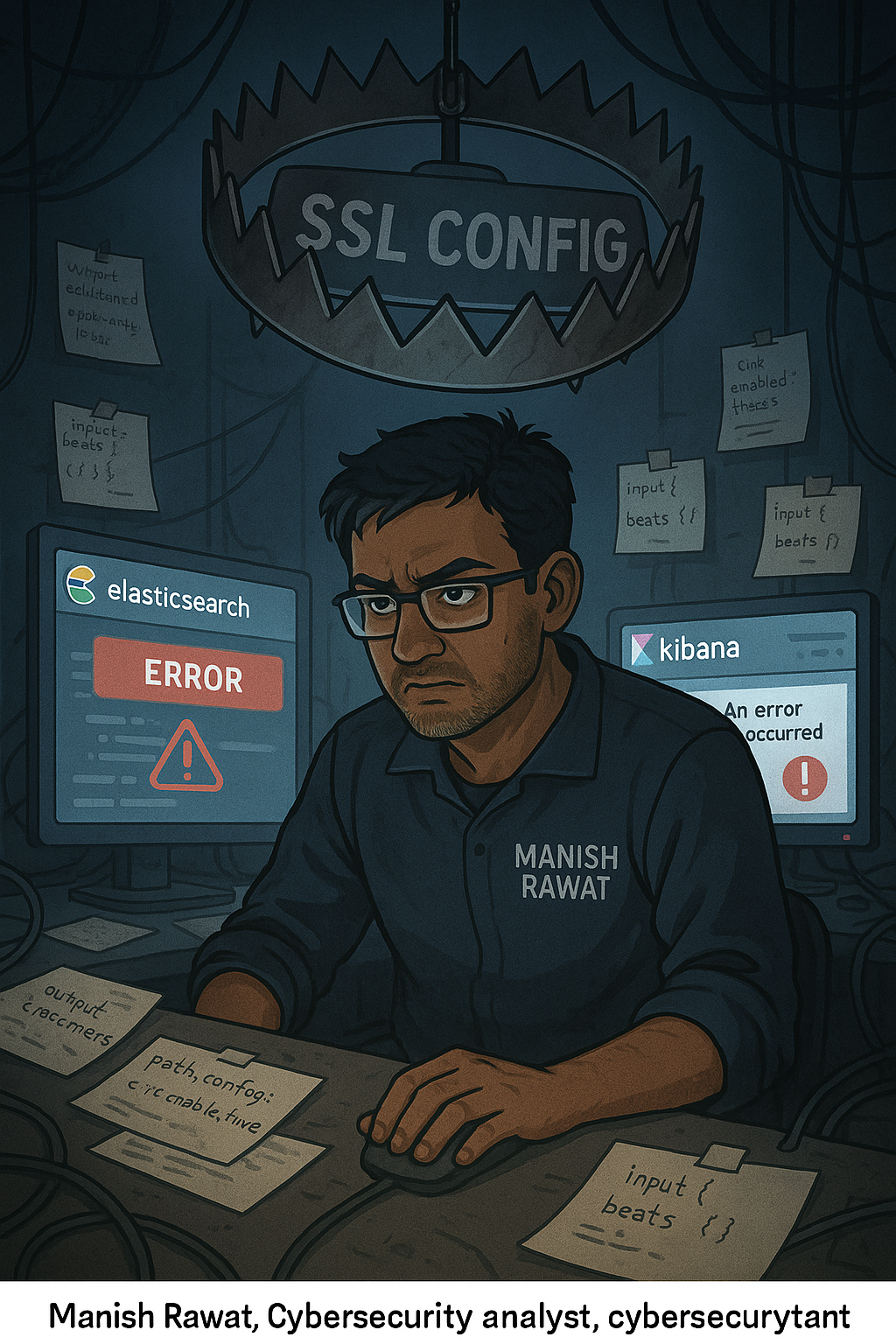
When I was setting up my ELK lab it felt like I was in a trap.
I spent three days dealing with SSL certificates and trying to hunt for threats.
Setting up an ELK stack for my home lab seemed easy at first. Things got complicated when I tried to enable SSL. A days ago I tried to get Elasticsearch and Kibana up and running. I wanted to make sure my communication was secure with HTTPS so I could start looking at logs.. I ended up spending three nights trying to fix certificate errors and broken keystores.
This is not a tutorial it is about what went wrong and why I had to start over again. If you are a beginner trying to build your blue team lab I hope my experience can help you.
The SSL Trap
The SSL problem was an issue for me. I followed the instructions to generate security certificates using Elastics built-in tool. I used these commands:
elasticsearch-certutil ca
elasticsearch-certutil cert --ca elastic-stack-ca.p12
I extracted the certs to:
/etc/elasticsearch/certs/unzipped/
Then I confidently edited my elasticsearch.yml:
xpack.security.enabled: true
xpack.security.transport.ssl.enabled: true
xpack.security.transport.ssl.keystore.path: certs/unzipped/instance.p12
xpack.security.transport.ssl.truststore.path: certs/unzipped/instance.p12
But I didn’t stop there. I thought: “Why not make it fully secure?” So I added::
xpack.security.http.ssl.keystore.secure_password: "somepasswordy
First Red Flag: Fatal Elasticsearch Boot Failure
When I restarted ELK it threw an error:
ElasticsearchSecurityException: invalid configuration for xpack.security.http.ssl - [xpack.security.http.ssl.enabled] is not set...
Boom. Fatal error. Nothing would start. I had accidentally enabled only a part of HTTP SSL config without setting the main flag xpack.security.http.ssl.enabled: true.
Tried to Fix It, Made It Worse
So I corrected that by adding:
xpack.security.http.ssl.enabled: true
Now I thought I was safe. But no, this opened the gates of hell. Next error:
FATAL Error: EACCES: permission denied, open '/etc/elasticsearch/certs/unzipped/instance.key'
Then Kibana would not connect to Elasticsearch. It gave me an error saying I did not have permission.
I tried to fix the permissions I changed the owner of the directory to the Kibana user:
sudo chown -R kibana:kibana /etc/elasticsearch/certs/
sudo chmod -R 660 /etc/elasticsearch/certs/
Still failed.

Chaos Ensues: Everything Starts Breaking
Every time I fixed one issue, another rose up like Hydra:
- Permissions okay? Now service won’t start due to timeouts.
- Fixed timeout? Now Elasticsearch won’t trust Kibana.
- Keystore works? Now browser throws certificate warnings.
- Disabled firewall? Now Kibana can’t even connect to localhost.
Logs showed:
kibana.service: Start request repeated too quickly.
kibana.service: Failed with result 'start-limit-hit'.
It became impossible to tell whether it was a permissions issue, a config issue, or some weird mismatch in the certs.
I even tried resetting the Kibana user:
useradd: user 'kibana' already exists
Of course it does. Everything felt like a dead-end.
Nuke and Rebuild
Eventually I realized I was doing things the way. I wanted to learn about threat hunting and log analysis with ELK. I was spending all my time trying to fix errors. So I decided to start over again.
So I deleted everything, removed config files, purged Elasticsearch and Kibana:
sudo apt remove --purge elasticsearch kibana
sudo rm -rf /etc/elasticsearch /etc/kibana /var/lib/elasticsearch /var/lib/kibana
Then reinstalled fresh using the Elastic APT repo:
curl -fsSL https://artifacts.elastic.co/GPG-KEY-elasticsearch | sudo gpg --dearmor -o /usr/share/keyrings/elastic-keyring.gpg
echo "deb [signed-by=/usr/share/keyrings/elastic-keyring.gpg] https://artifacts.elastic.co/packages/8.x/apt stable main" | sudo tee /etc/apt/sources.list.d/elastic-8.x.list
sudo apt update
sudo apt install elasticsearch kibana
Eventually I realized I was doing things the way. I wanted to learn about threat hunting and log analysis with ELK. I was spending all my time trying to fix errors. So I decided to start over again.
And guess what? It worked.
Lessons from the Wreckage
This journey taught me more than just YAML indentation and SSL flags:
Lesson 1: Don’t Enable Security Before Functionality
Lesson 2: Certificate Management Is Not for Day 1
Lesson 3: Logs Are Your Lifeline
Lesson 4: Focus on Learning, Not Just Building
Final Thoughts
I skipped the SSL setup. Used the auto-generated enrollment token to log in. Within ten minutes I had sample data loaded. I was writing queries under Analytics and Discovery. I was finally learning how to use ELK.
The important thing I learned is that many blogs assume you are a DevOps expert. For people who are just starting out simple is better than complicated. If you are building your blue team lab do not try to make it super secure, on the first day. Just get the data flowing first. Once you know how to use Kibana to hunt for threats then you can worry about securing the transport layer.
Do not let configuration errors stop you from learning about ELK.
From SSL Hell to Log Heaven: My Brutal ELK Stack Journey was originally published in OSINT Team on Medium, where people are continuing the conversation by highlighting and responding to this story.