Introduction
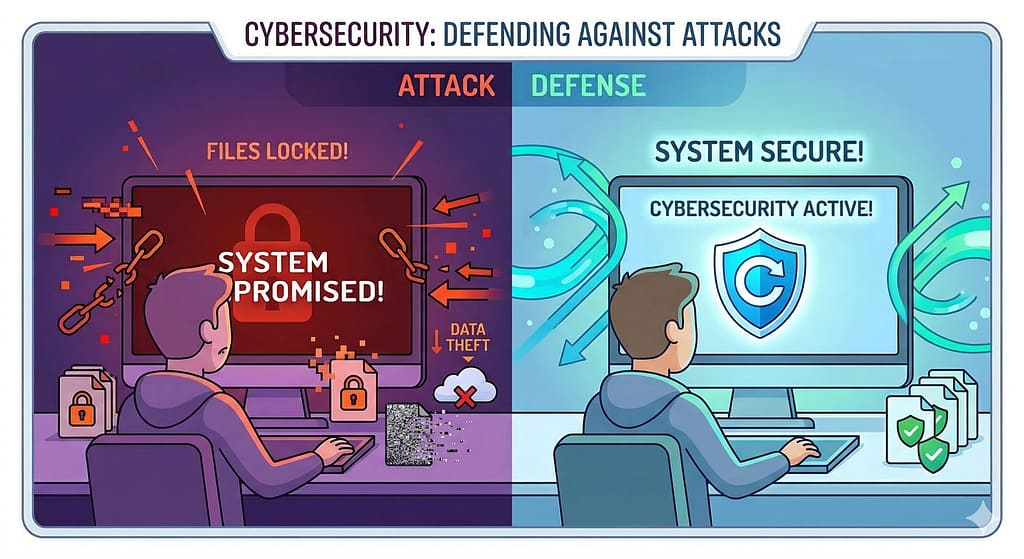
Imagine turning on your computer one day and finding all your files locked, your data stolen, or your system completely unusable.
This is not science fiction — it happens every day due to viruses, malware, and cyber attacks. But here’s the good news:
If you understand how these attacks work, you can protect yourself and even stop them.
In Day 2 of this Ethical Hacking series, we’ll explore:
• What a virus is
• Types of malware
• Common cyber attacks
• Security testing methods
• Cybersecurity teams and how they work
Let’s dive in.
What is a Virus?
A computer virus is a type of malicious software (malware) that spreads from one system to another and harms data or system performance.
Just like a biological virus spreads between humans, a computer virus spreads through:
- Infected files
- Email attachments
- Downloads from untrusted sources
- USB devices
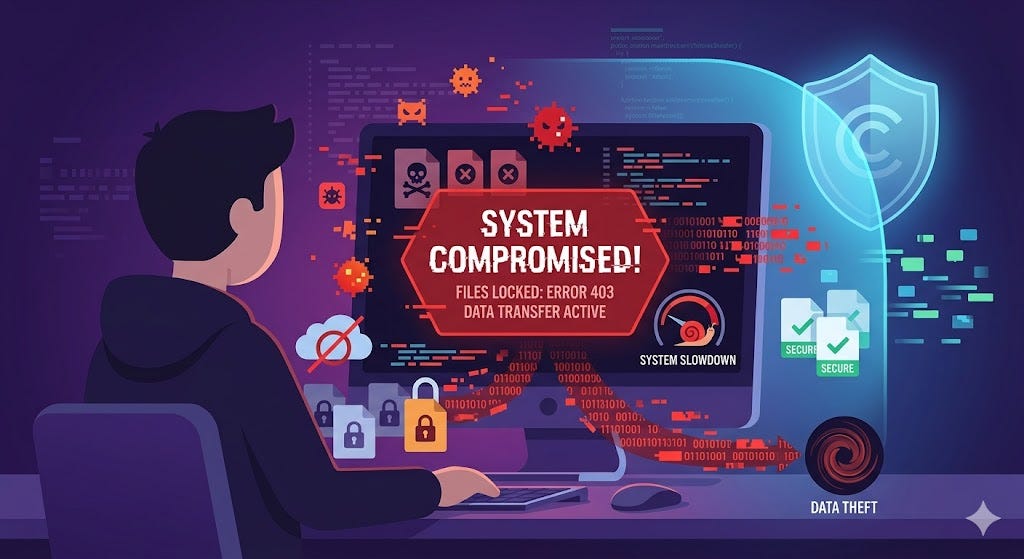
Once inside a system, a virus can:
- Corrupt files
- Steal data
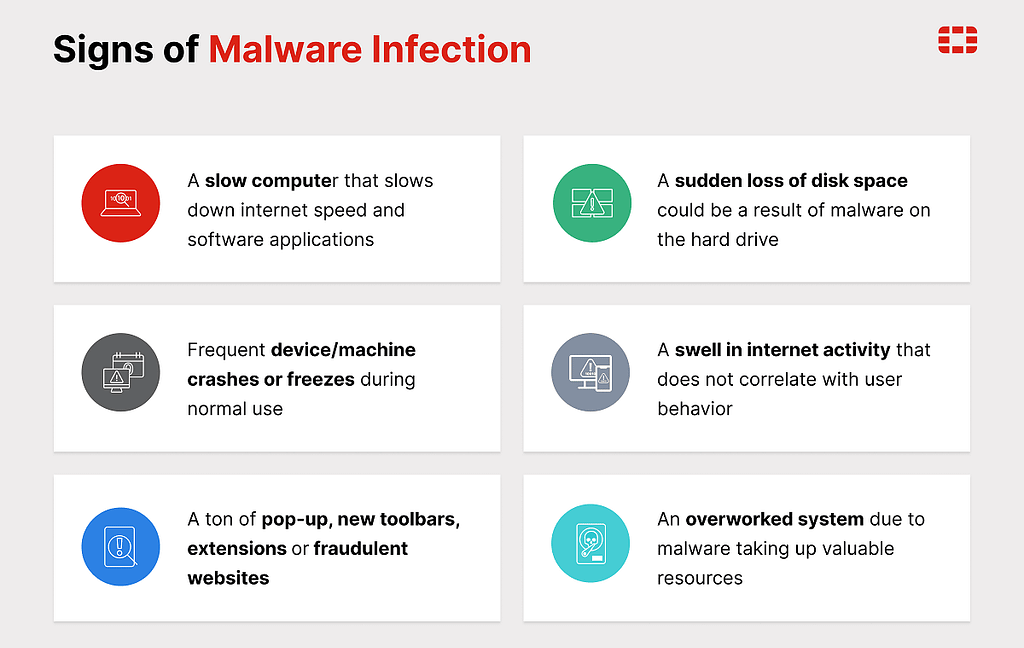
- Slow down systems
- Give attackers control over your device
Types of Viruses
1. File Infector Virus
Attaches itself to files and spreads when the file is opened.
2. Boot Sector Virus
Infects the system startup and runs when the computer turns on.
3. Macro Virus
Spreads through documents like Word or Excel files.
4. Polymorphic Virus
Changes its code again and again to avoid detection.
5. Resident Virus
Stays in memory and keeps infecting files over time.
What is Malware?
Malware means “malicious software” — any software designed to harm, damage, or misuse systems.
All viruses are malware, but not all malware are viruses.
Here are the most common types:
Worm
Spreads automatically without user action, often through networks.
Trojan Horse
Looks like normal software but secretly performs harmful actions.
Ransomware
Locks your files and asks for money to unlock them.
Spyware
Secretly collects your personal data (like passwords or activity).
Adware
Shows unwanted ads and may track your behavior.
Malware is one of the main tools attackers use to break into systems.
Common Types of Cyber Attacks
Understanding attacks helps you think like an ethical hacker.
1. Phishing Attack
Fake emails or messages trick users into giving passwords or personal data.
2. DDoS Attack
Attackers send huge traffic to crash a website or server.
3. Man-in-the-Middle (MITM)
Attacker secretly listens or changes communication between two users.
4. SQL Injection
Attackers insert malicious code into database queries to access data.
5. Password Attack
Trying to guess or crack passwords using tools or techniques.
Types of Security Testing
Ethical hackers use testing to find weaknesses before attackers do.
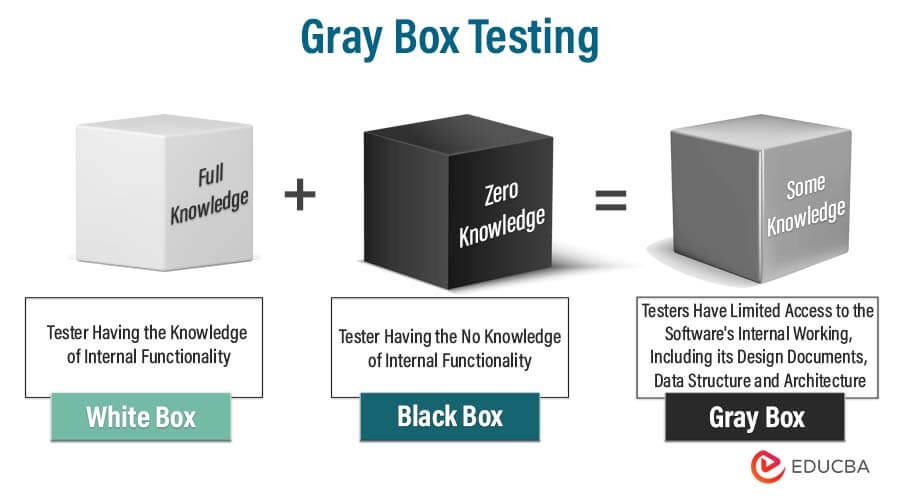
1. Black Box Testing
Tester has no information about the system.
✔ Acts like a real hacker
✔ Tests external security
Example: Trying to hack a website without knowing its code.
2. White Box Testing
Tester has full knowledge of the system.
✔ Access to code, structure, and data
✔ Finds deep vulnerabilities
Example: Reviewing source code to find security flaws.
3. Grey Box Testing
Tester has partial knowledge.
✔ Mix of both black and white box
✔ More realistic testing
Example: Logged-in user trying to exploit a system.
These testing types help organizations identify and fix security weaknesses effectively.
Cybersecurity Teams
Cybersecurity is teamwork. Different teams handle different responsibilities.
Red Team (Attackers)
• Simulate real-world attacks
• Try to break into systems
• Think like hackers
Goal: Find weaknesses
Blue Team (Defenders)
• Monitor systems
• Detect and stop attacks
• Respond to incidents
Goal: Protect systems
Purple Team (Collaboration)
• Combines red and blue teams
• Improves communication
• Helps fix weaknesses faster
Goal: Improve overall security
- Red Team → Attack
- Blue Team → Defend
- Purple Team → Improve both

Conclusion
Cyber threats are everywhere, but understanding them is the first step to defending against them.
In Day 2, you learned:
• What a virus is and how it spreads
• What malware is and its types
• Common cyber attacks
• Different types of security testing
• Roles of cybersecurity teams
This knowledge helps you start thinking like an ethical hacker.
What’s Next?
In Day 3, we will explore:
Linux for Ethical Hackers (Commands, Setup & Practice)
Stay tuned and keep learning🚀
Like, subscribe and share if You love content
Ethical Hacking for Beginners — Day 2: Viruses, Malware, Cyber Attacks & Security Testing was originally published in OSINT Team on Medium, where people are continuing the conversation by highlighting and responding to this story.